Embroidery digitizing with our own stitch engine
Your artwork in.
A clean stitch file out.
Convert your logos, artwork and drawings into embroidery files. Hoopline plans every stitch and lets you check the result before your machine does.
2 free conversions every month · No software to install
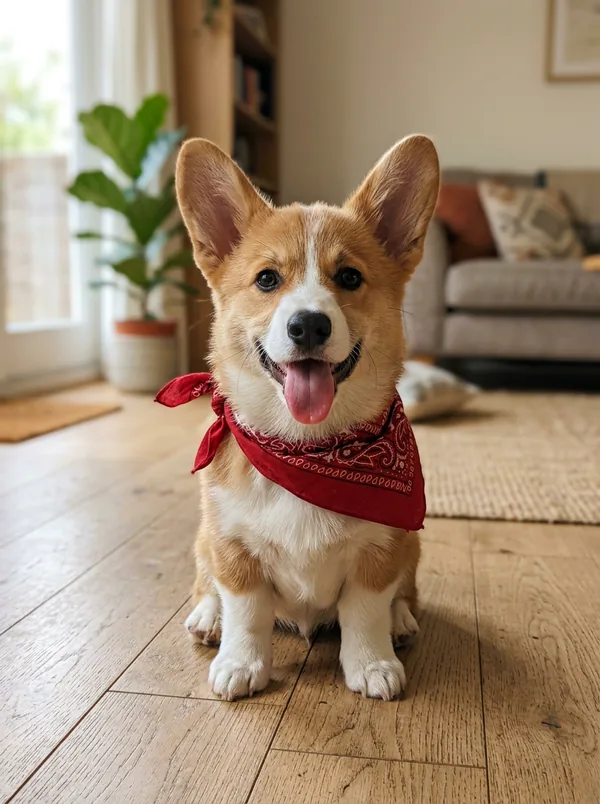
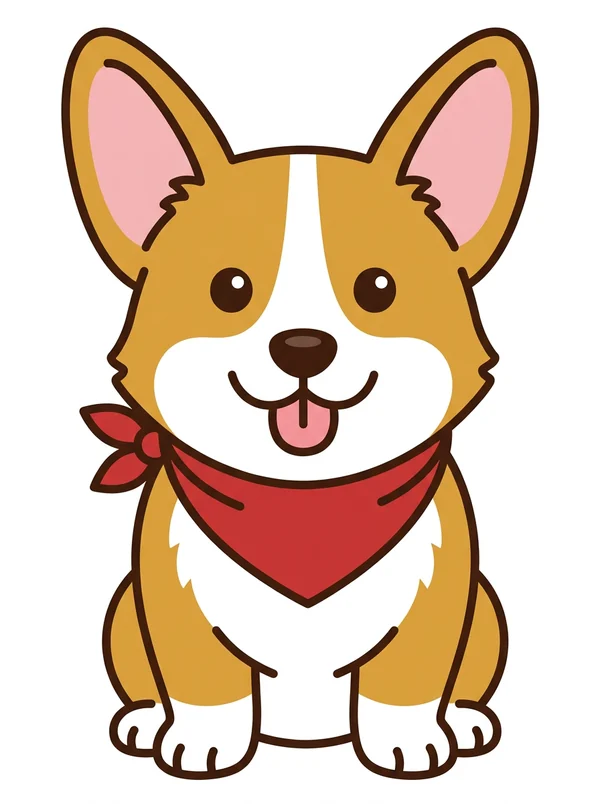
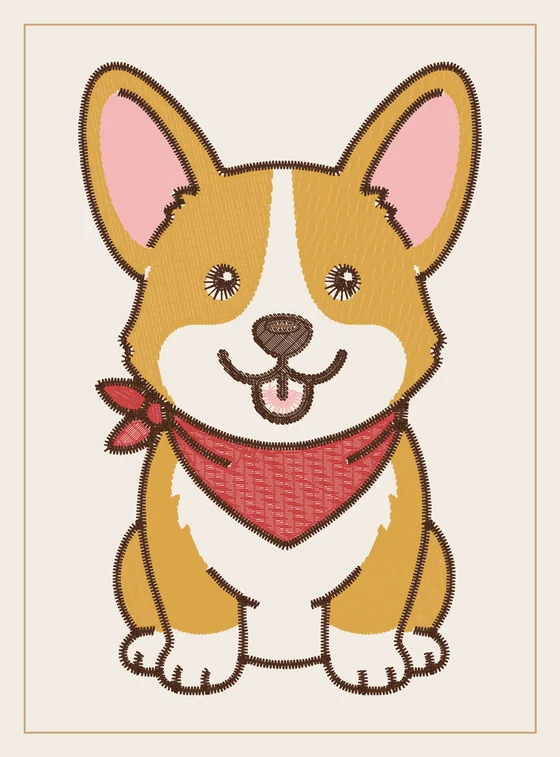
Files for the machine you already own
How it works
Three steps. No digitizing skills needed.
- 01
Upload
A logo, a drawing or other artwork. PNG or JPG, up to 10 MB.
- 02
Flat colors
Your image is reduced to a few flat thread colors that a needle can actually follow.
- 03
Stitch and download
Our engine plans fills, satin and lines. Check the preview, then download.
What you can make
From caps to cushions.
Hoopline files work on anything your machine can hoop: clothes, home textiles and wall art.
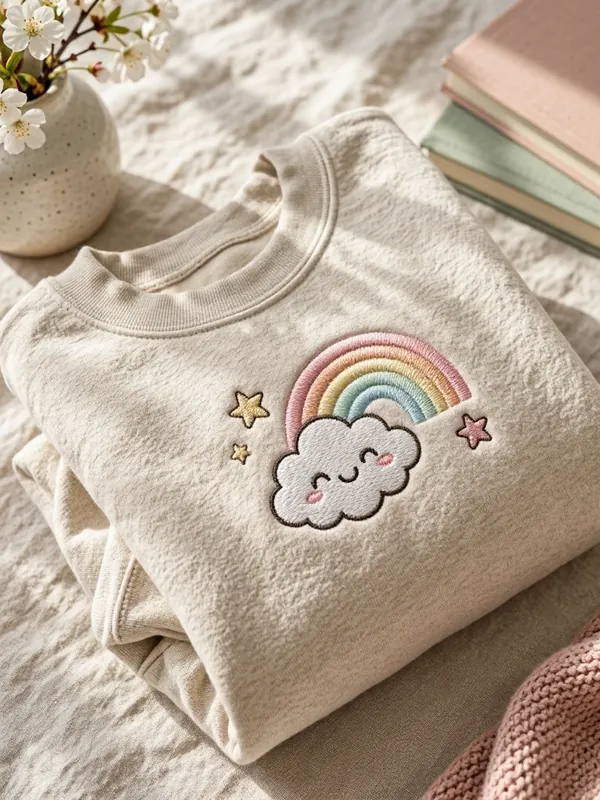
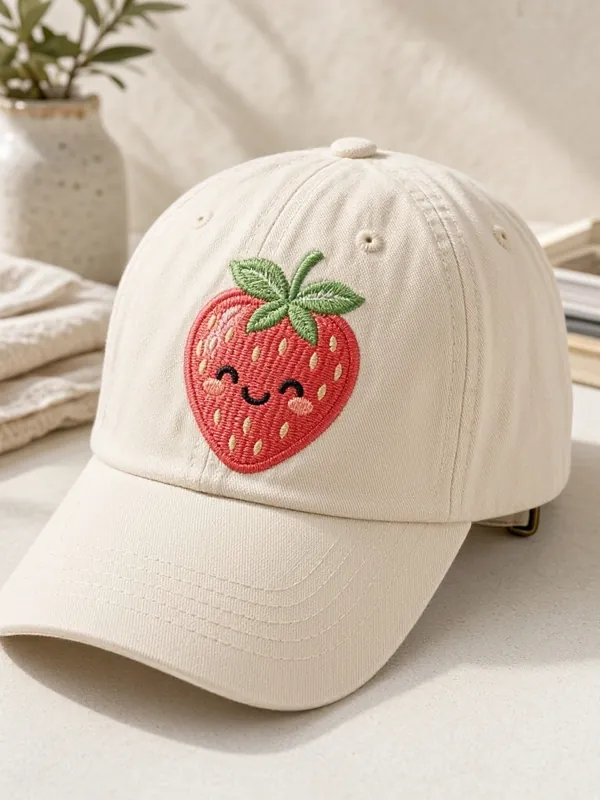
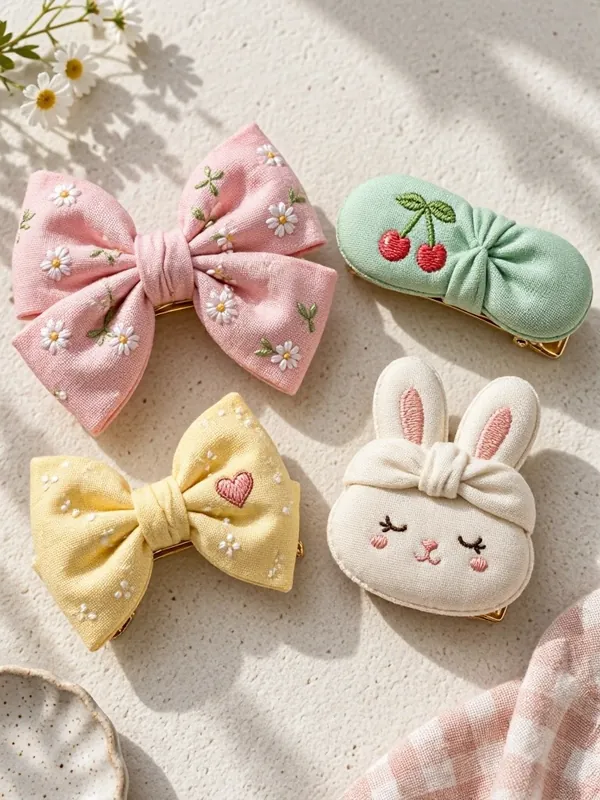
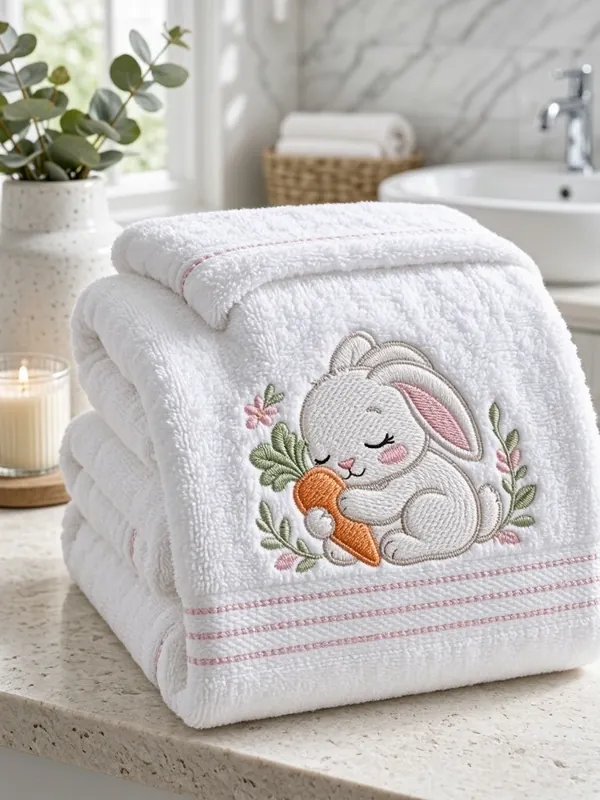
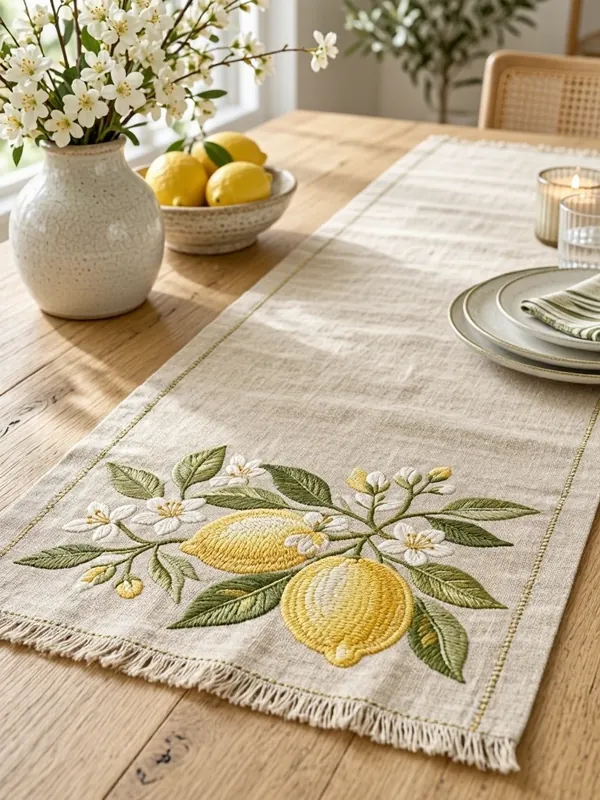
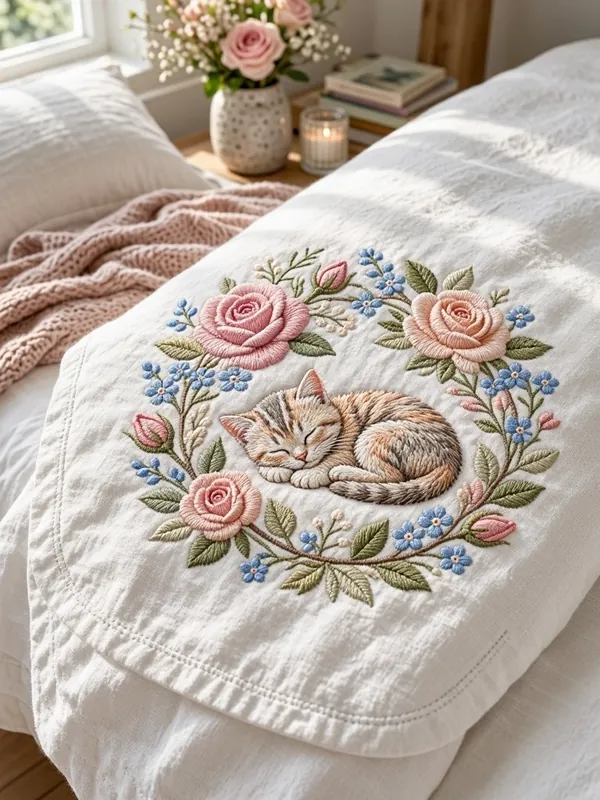
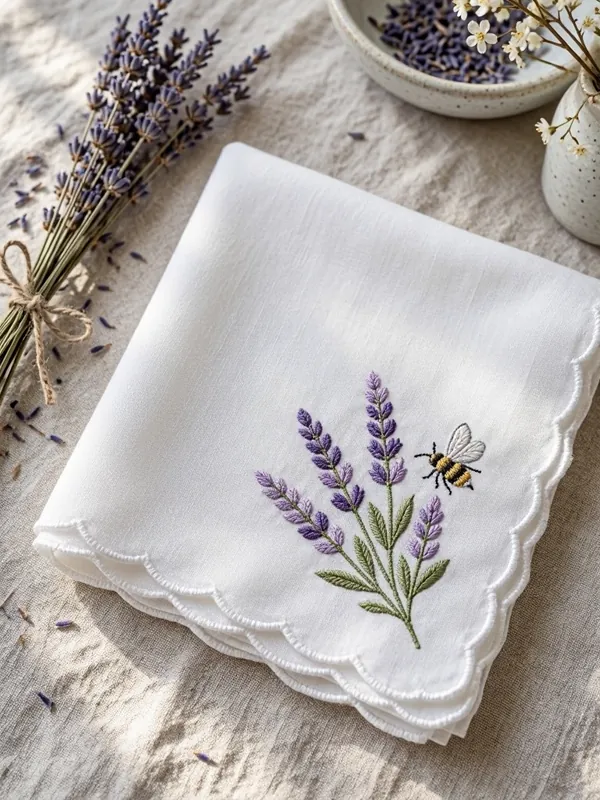
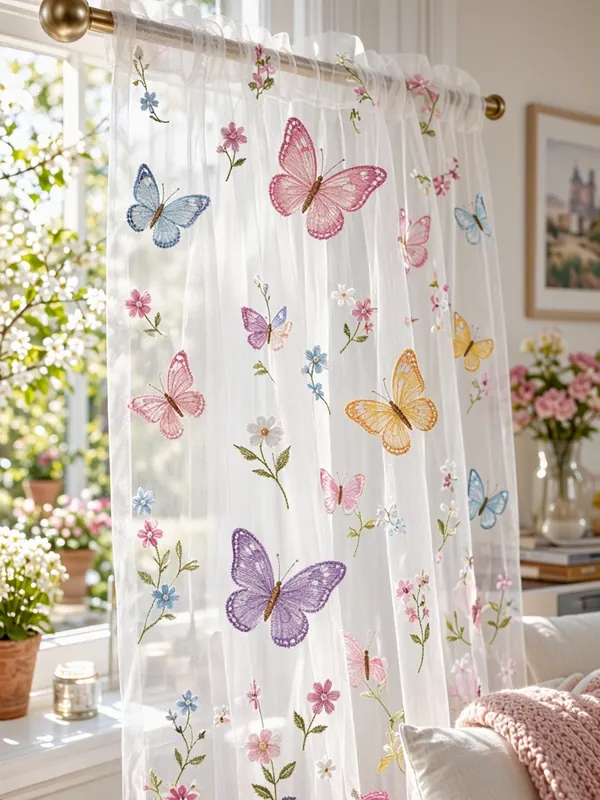
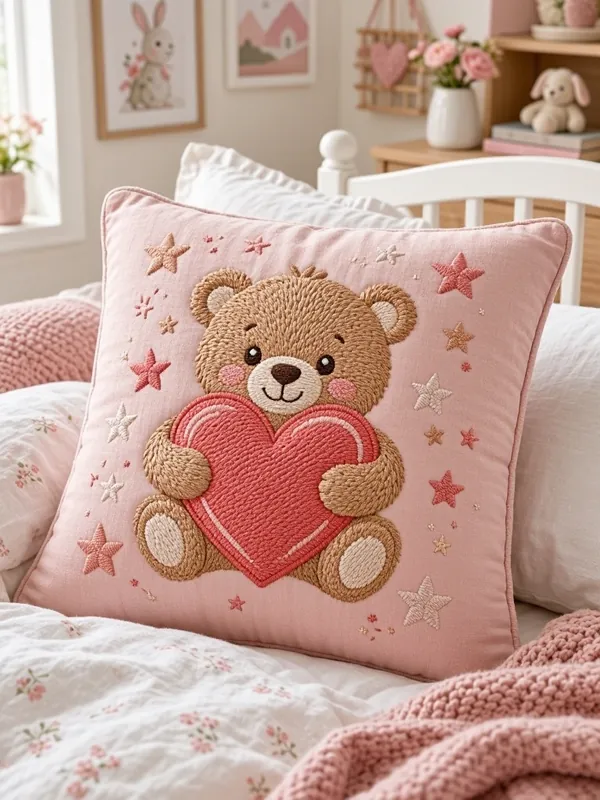
Illustrative product mockups.
Parts inspector
See every part before a single stitch.
Hover any region to see how it will be sewn: fill, satin or running line, its thread color and size. No surprises on the hoop.
- Fill, satin and running lines chosen per region
- Thread colors listed in sewing order
- Stitch count, trims and sew time up front
Try it: hover a part
No white gaps
Neighboring colors overlap slightly, so fabric never peeks through.
Fewer trims
Connected lines are sewn in one path, without cutting the thread.
Made for your fabric
Pick cotton, knit, towel, denim or cap. Underlay and pull compensation follow.
Fits your hoop
Choose your hoop and the design is sized and rotated to fit.
Pricing
One credit, one design.
Every credit includes all six file formats and the optional Auto simplify step.
Hobby
Most popular$9.99/ month
20 credits / month
- For regular home embroiderers
- Saved designs
- Commercial use of your designs
Studio
$39/ month
100 credits / month
- For shops and sellers
- Commercial use of your designs
- Priority queue
Need more? Credit packs: 10 credits for $14.99 · 30 credits for $34.99
Payments are processed securely by Paddle, our reseller. 14-day refund on unused credits.
Questions
Which file do I need for my machine?
Brother and Baby Lock use PES, Janome uses JEF, Husqvarna Viking and Pfaff use VP3. Every download includes all six formats, so you can pick on the spot.
What kind of images work best?
Logos, drawings and artwork with a clear subject on a simple background. For busier images, turn on Auto simplify to reduce them to flat colors first.
Can I check the design before stitching?
Yes. You see the stitch preview, every part in the inspector, plus stitch count, colors and estimated sew time.
Can I sell items made with my files?
Yes, on any paid plan you can use the designs you create commercially. Free designs from our library are for personal use; contact us for commercial use.
What does Auto simplify do?
It is an optional preprocessing step that reduces your own uploaded image to flat, embroidery-ready colors. It never creates new content and takes no text prompts. Photos of people can't be used with it.
More help in the Guides.